Connect across platforms
Access your devices from a desktop, mobile app, or browser.
CrossDesk is free, open-source remote desktop software for Windows, macOS, Linux, iOS, Android, and the web, with hardware acceleration and self-hosting.
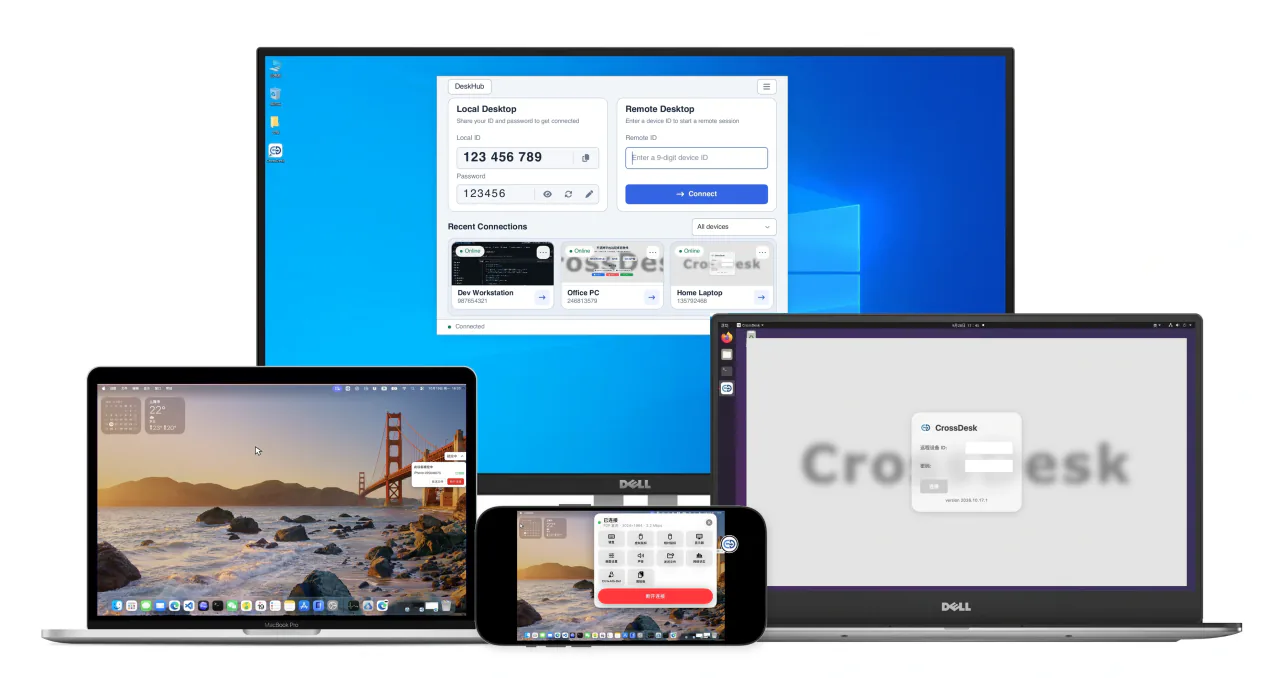
Access your devices from a desktop, mobile app, or browser.
With NVIDIA and VideoToolbox acceleration.
Self-host your connection services and stay in control of your data flow.
GET STARTED / DOWNLOAD
Choose a client for your device.
Make room for a simpler
remote experience.
Linux: choose Standard to use an existing desktop, or Virtual Desktop (Xfce) if you have no desktop environment or need a separate session.
The iOS release is an unsigned ZIP. Sign the app before installing it on an iPhone or iPad.
TAKE A CLOSER LOOK / WORKSPACE
From cross-platform access to multiple devices,
keep every
interaction clear and simple.
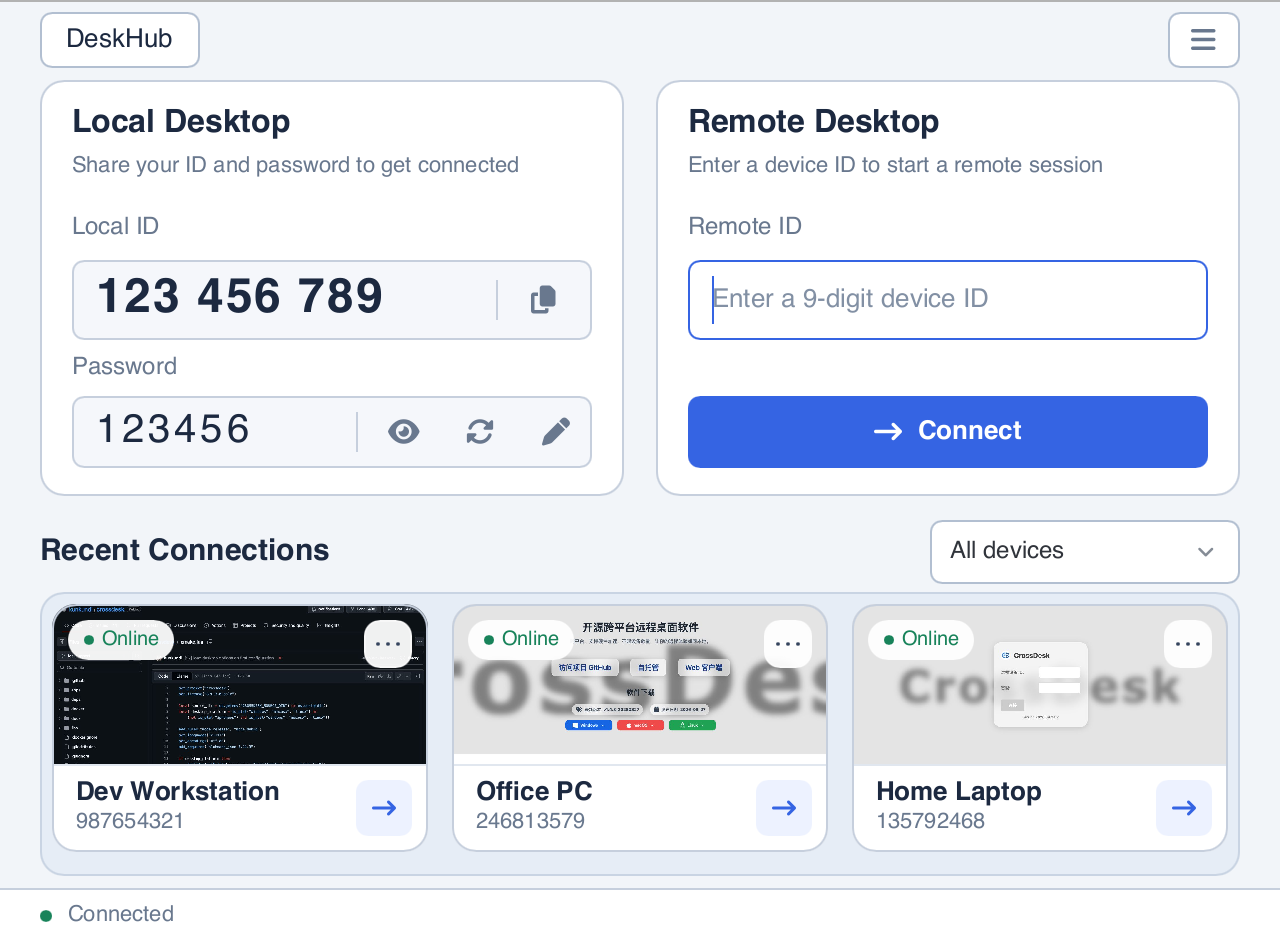
Your local desk, remote connections, and recent devices in one place.
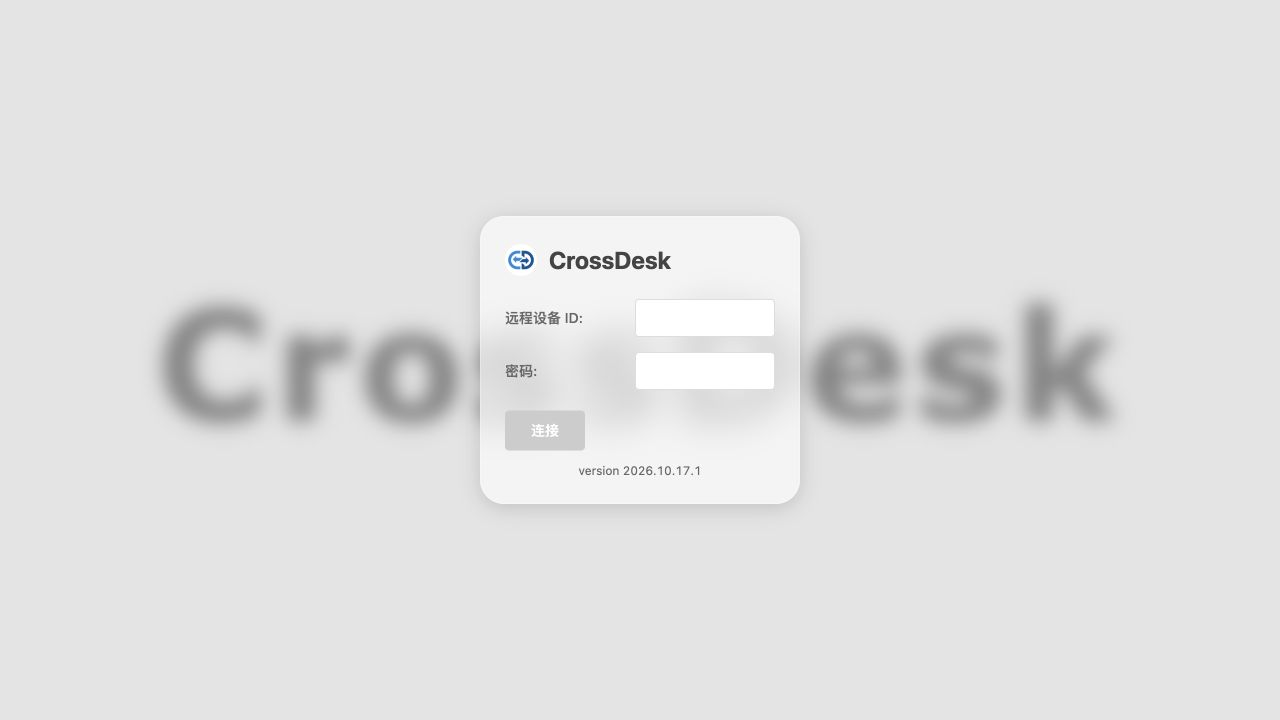
The current Web connection page. Enter a device ID and password to start a session.
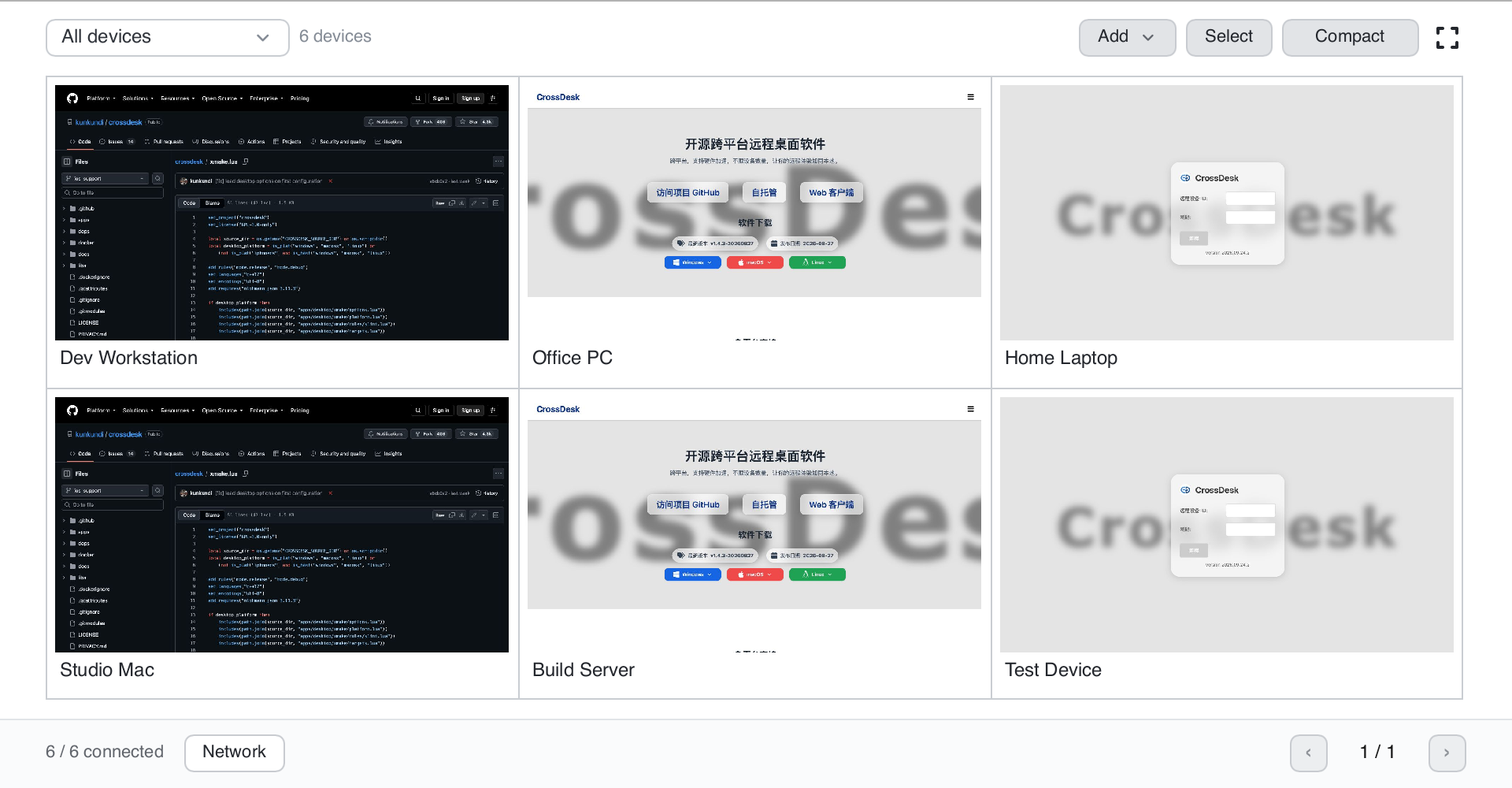
View device previews in DeskHub and manage connections with groups, selection, and pagination.
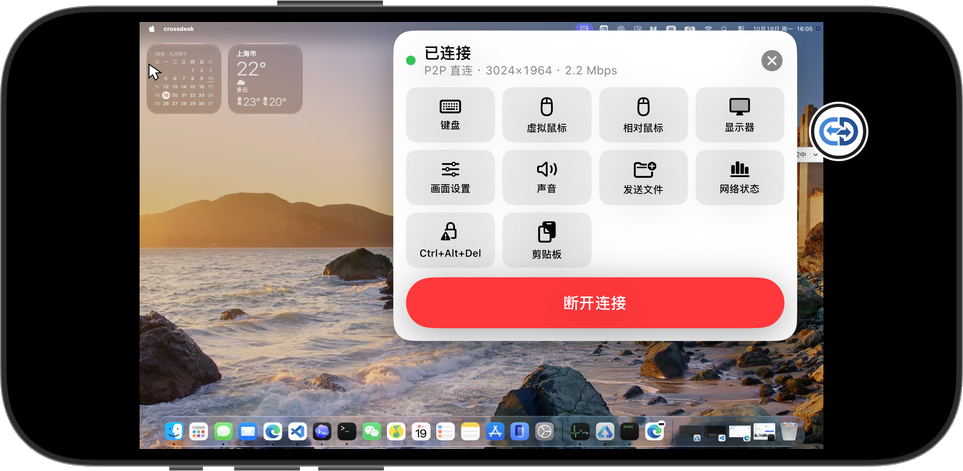
Connect to and control your remote desktop from iOS or Android, wherever you are.
BUILD WITH US / GET IN TOUCH
Share feedback, ask a technical question, or discuss a collaboration.
Support the continued development of CrossDesk.


